

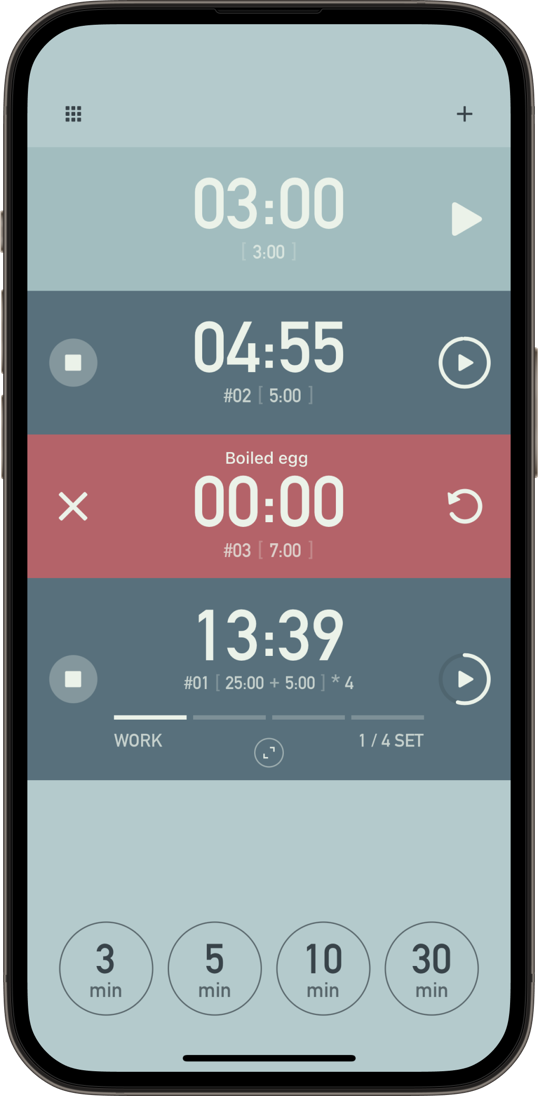
Run Multiple Timers at Once
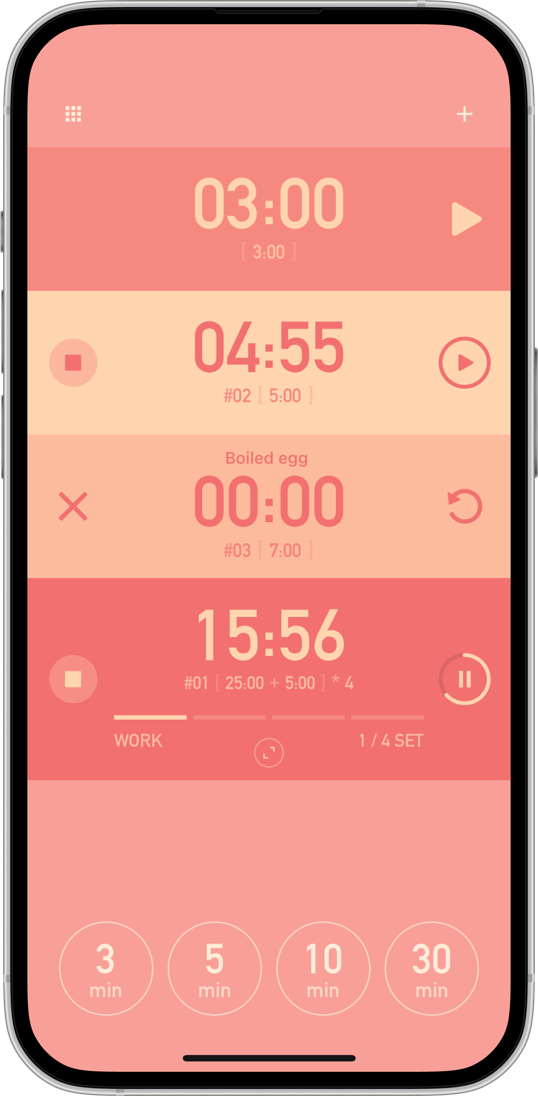
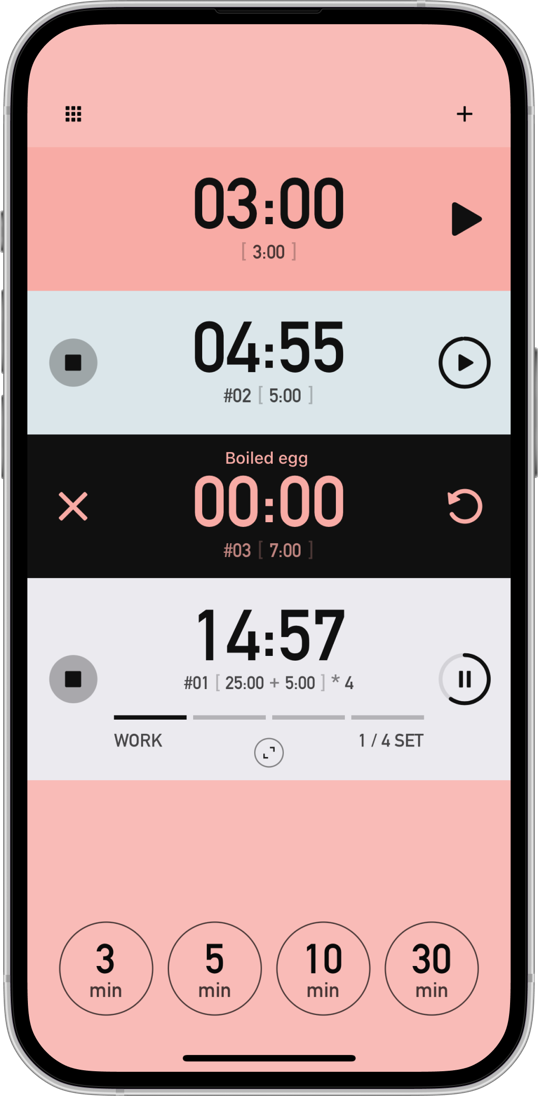
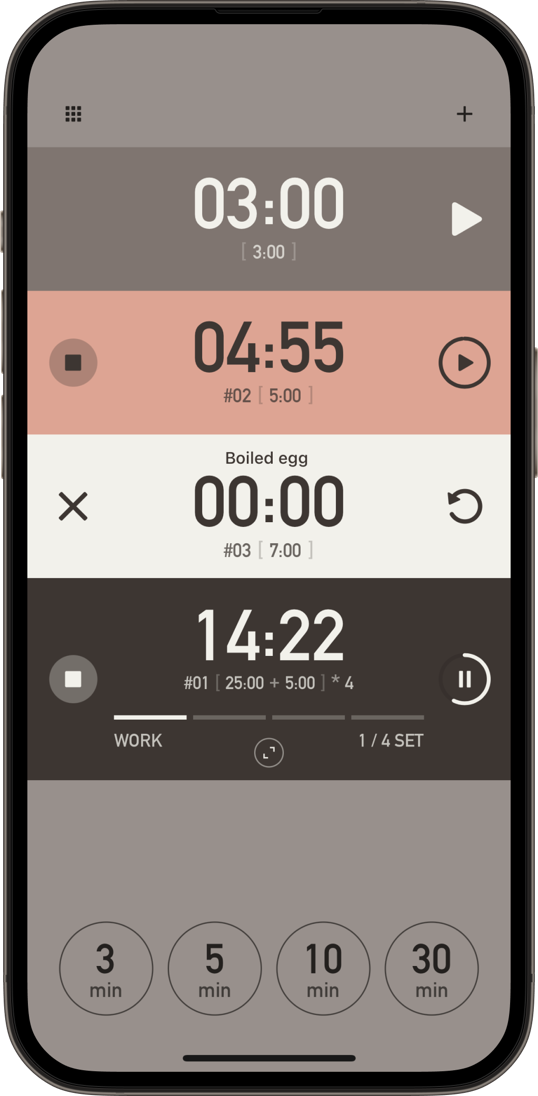
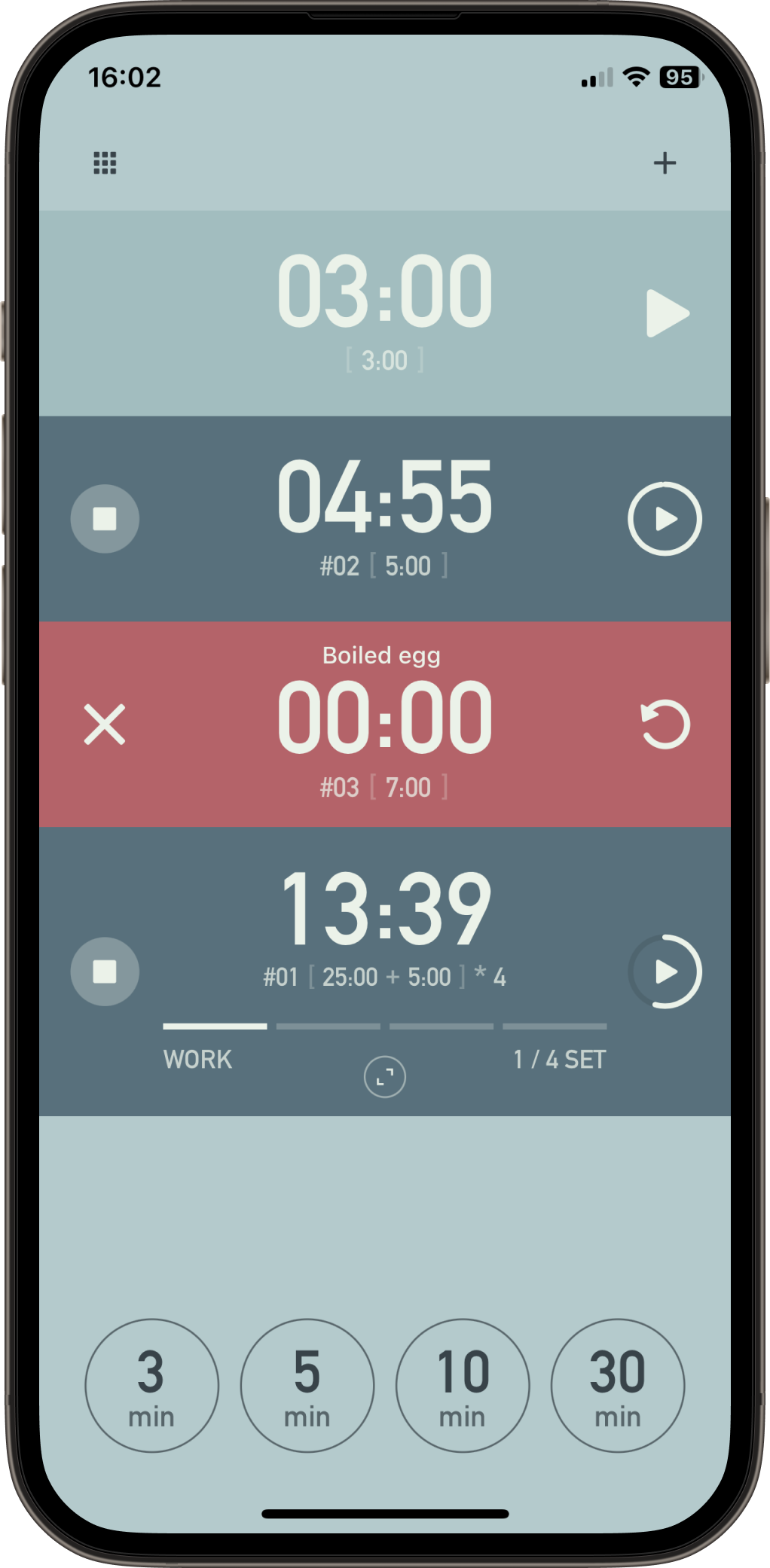
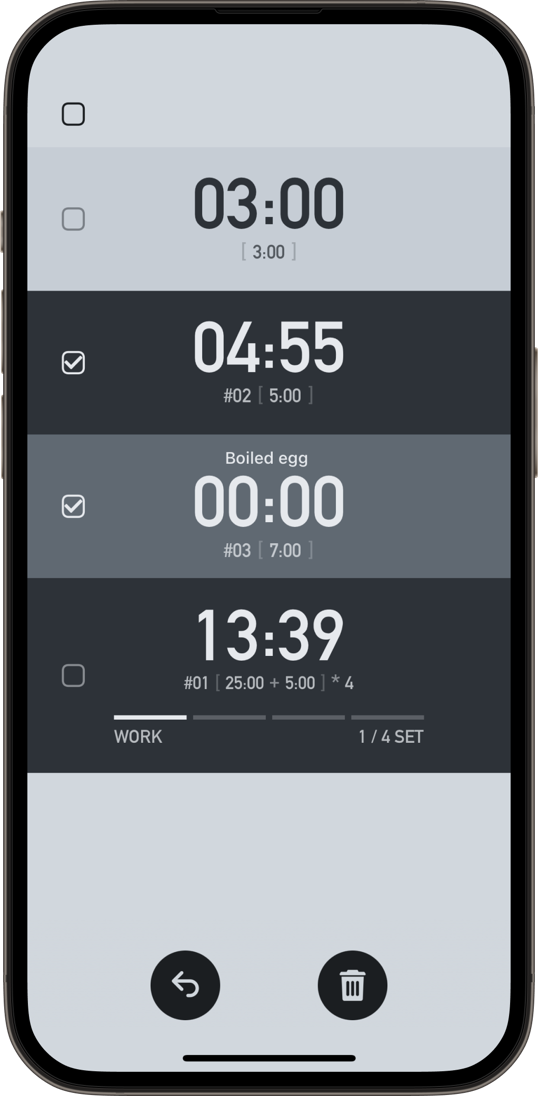
See all your timers listed on one screen. Start, pause, and stop each one independently.
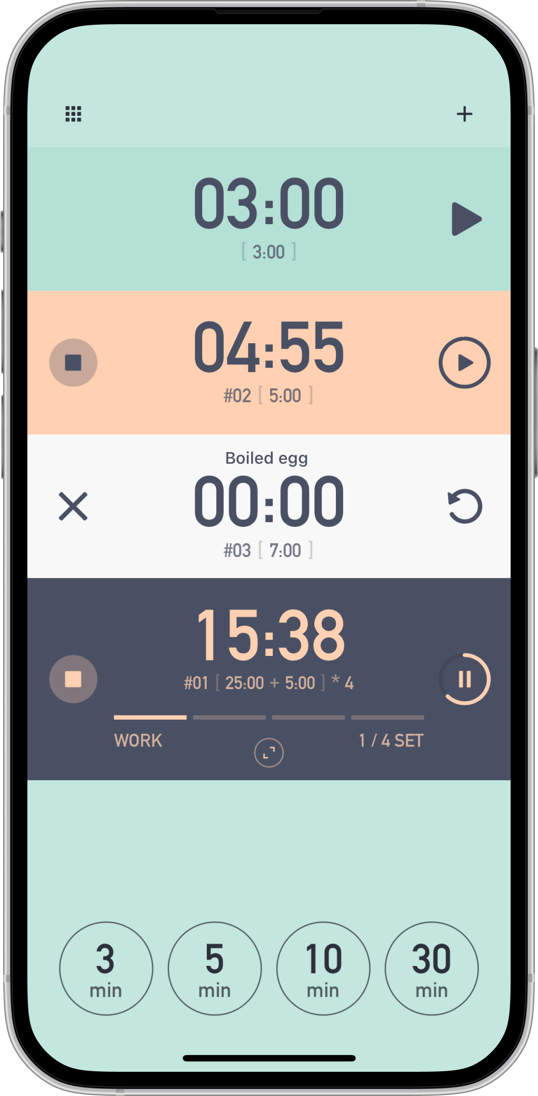






Fuuuga is a simple, beautiful timer app that lets you manage multiple timers at the same time. Time your simmering sauce and boiling pasta simultaneously, run study and break timers side by side, and keep every timer smartly organized on one screen.
See all your timers listed on one screen. Start, pause, and stop each one independently.
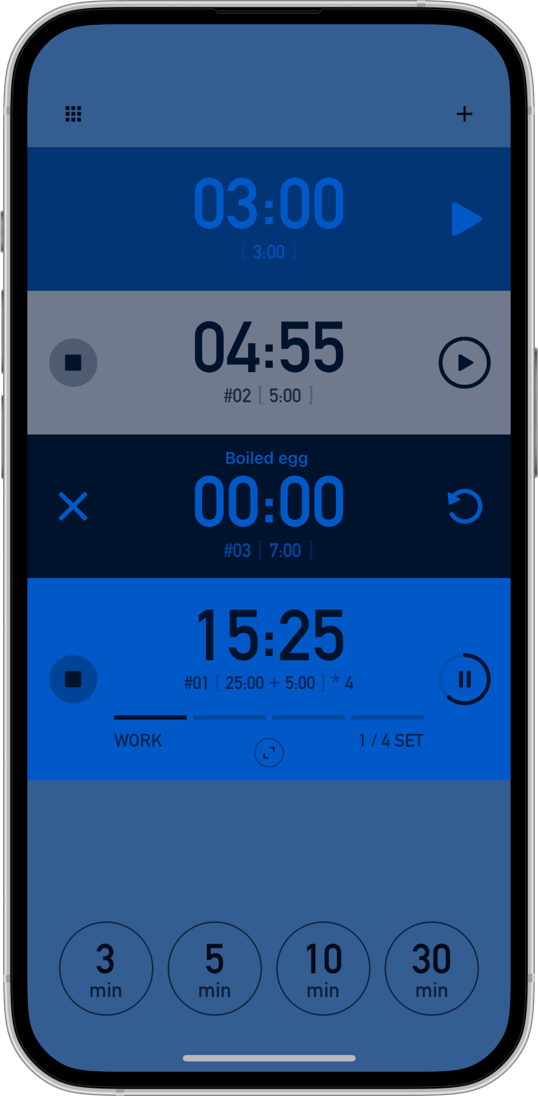
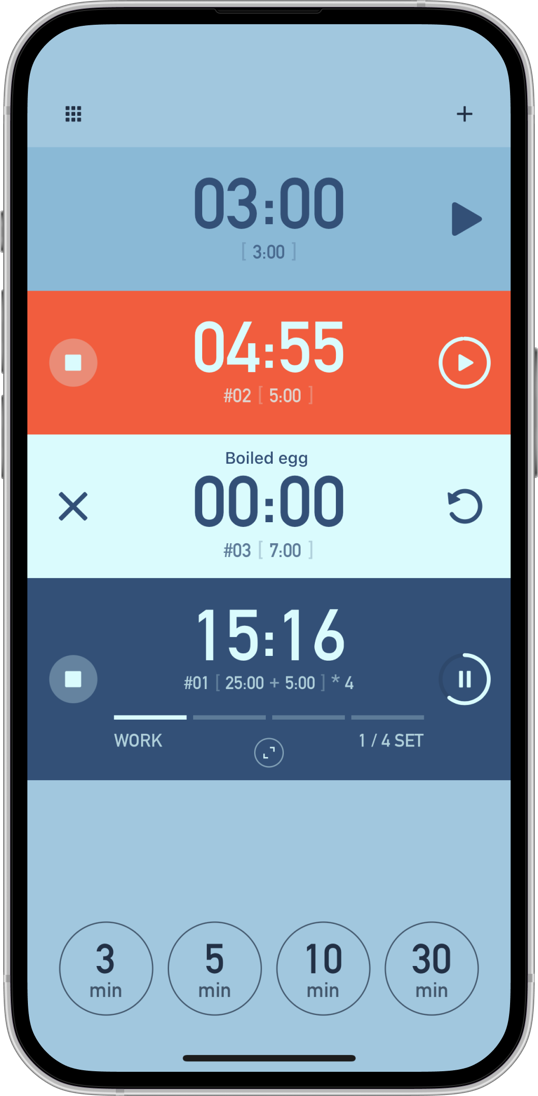
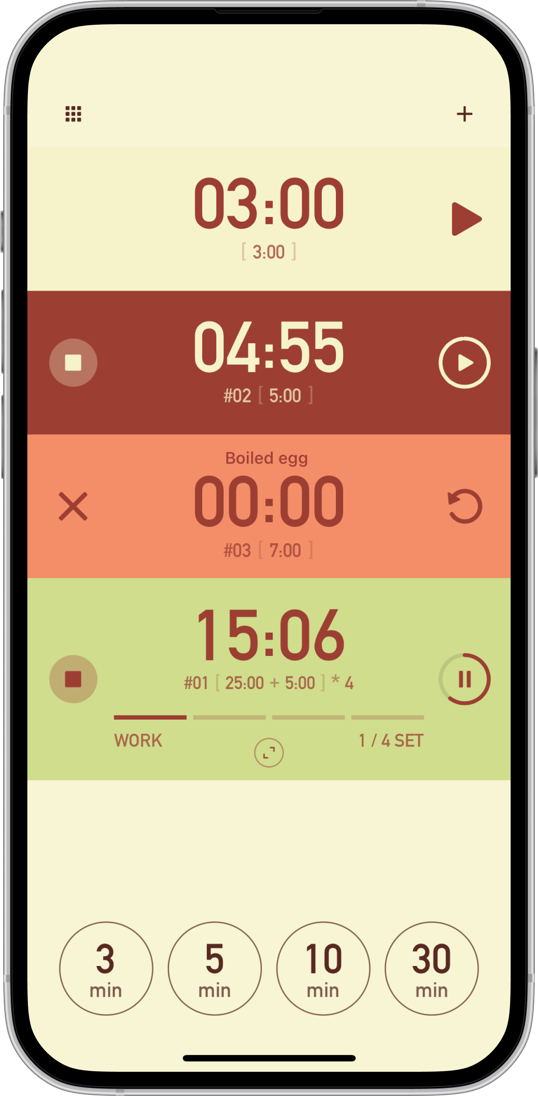
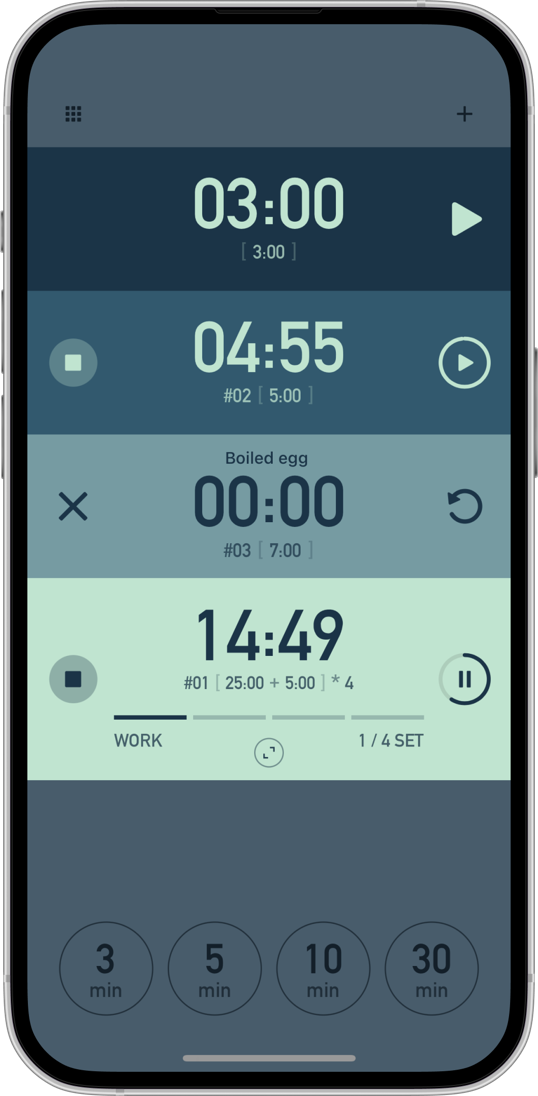
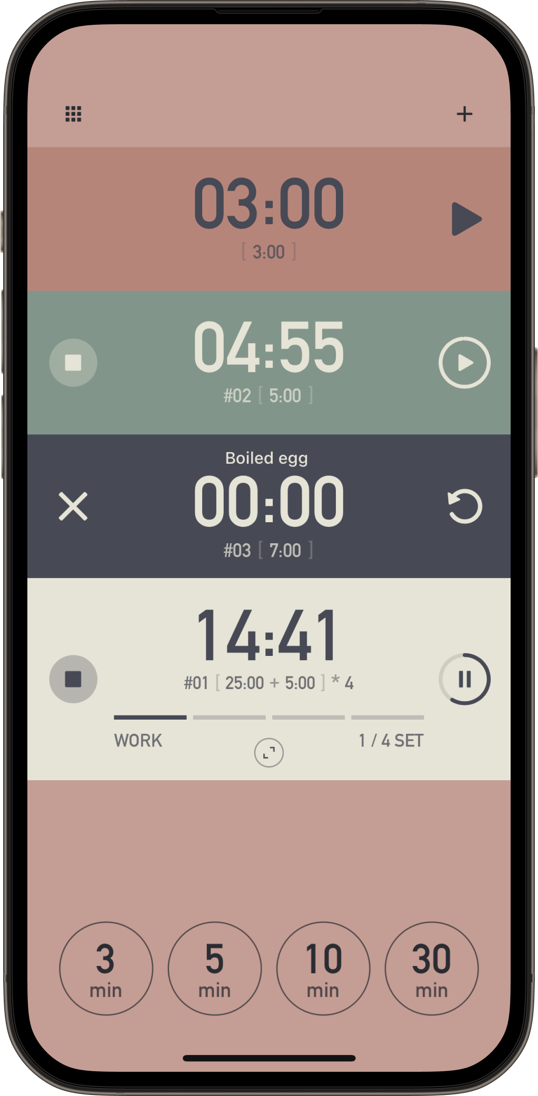
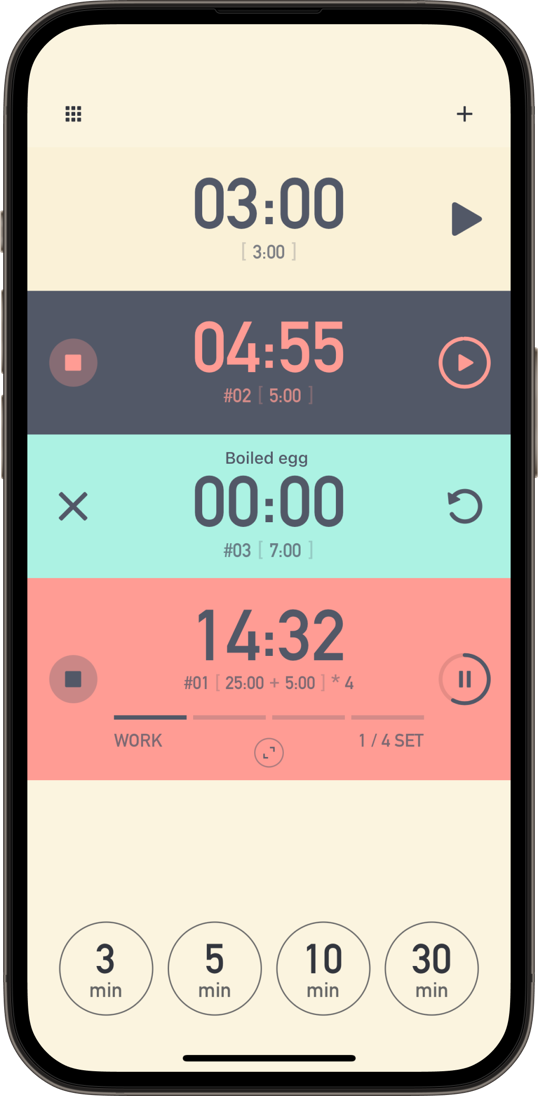
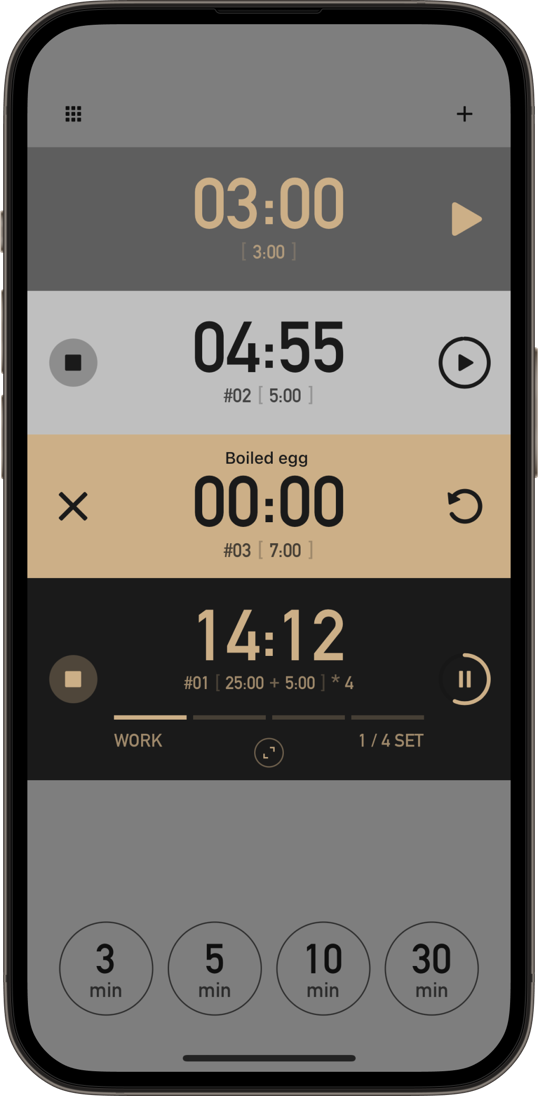
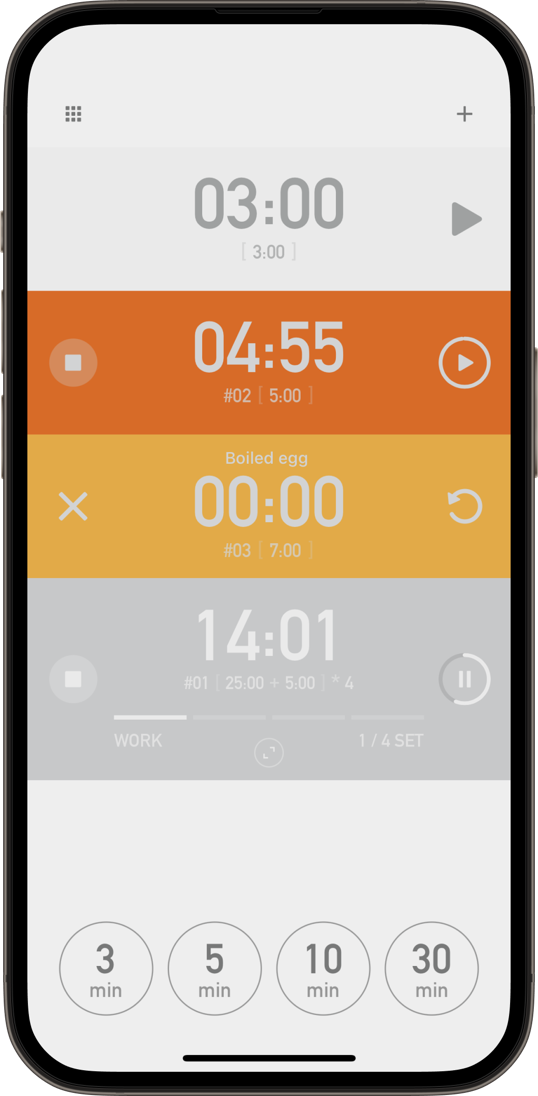
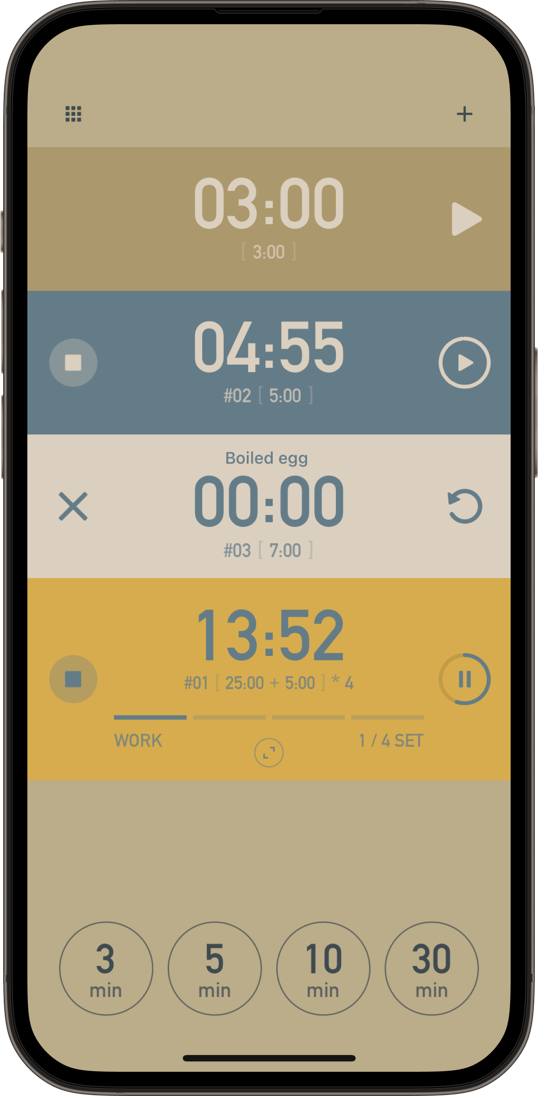
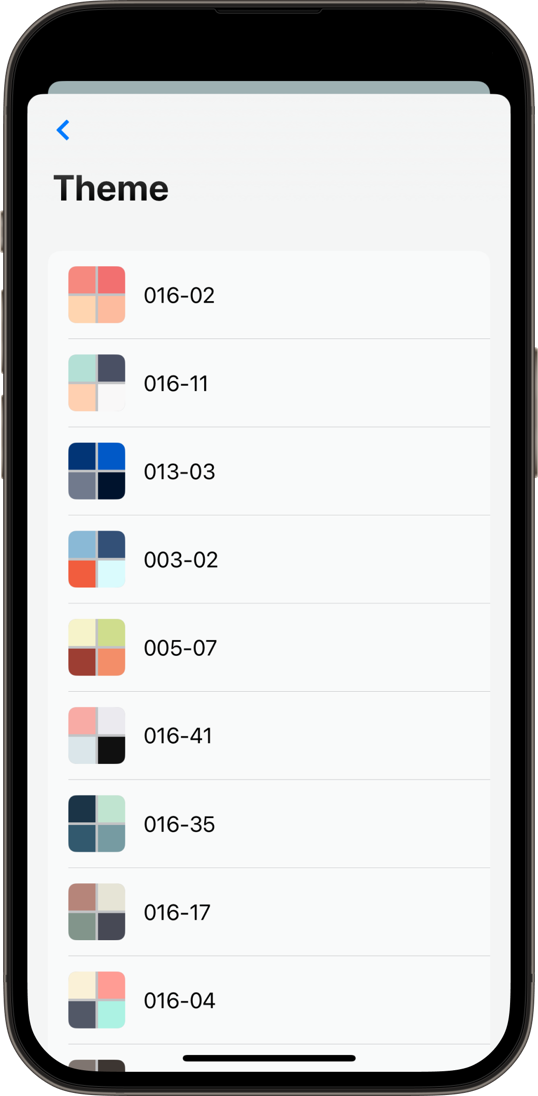
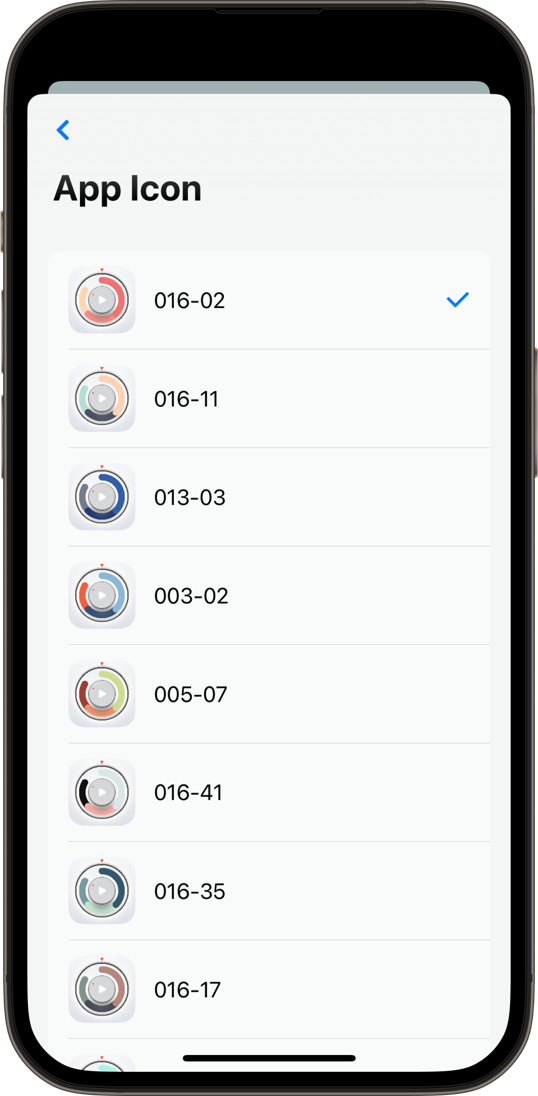
Personalize the look of the app with dozens of themes - Pastel, Monochrome, Earthy, Complementary, and more - plus matching App Icons.
Tap a button at the bottom of the screen to instantly start your go-to timer durations. Customize up to 4 quick timers.
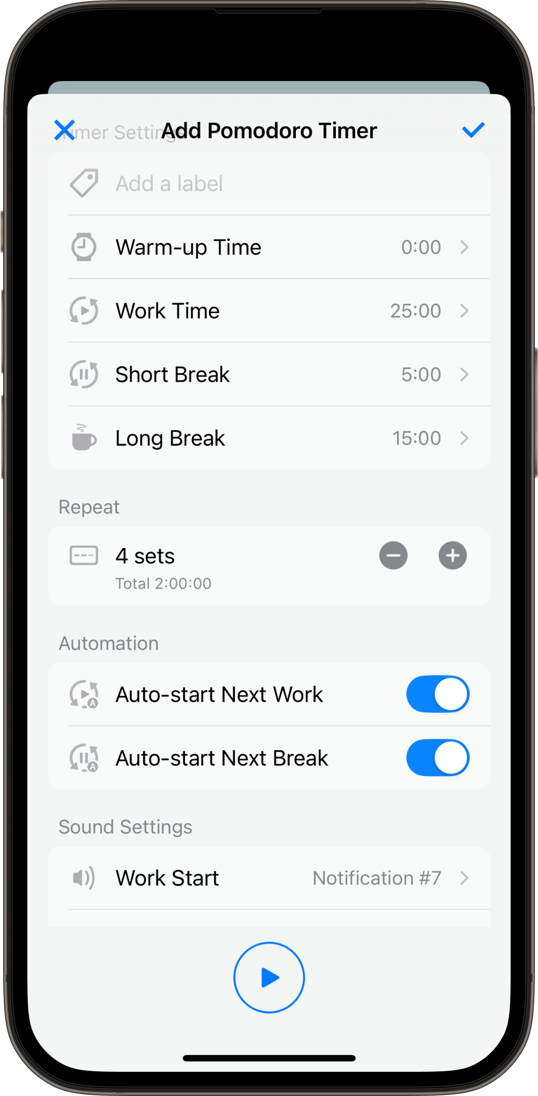
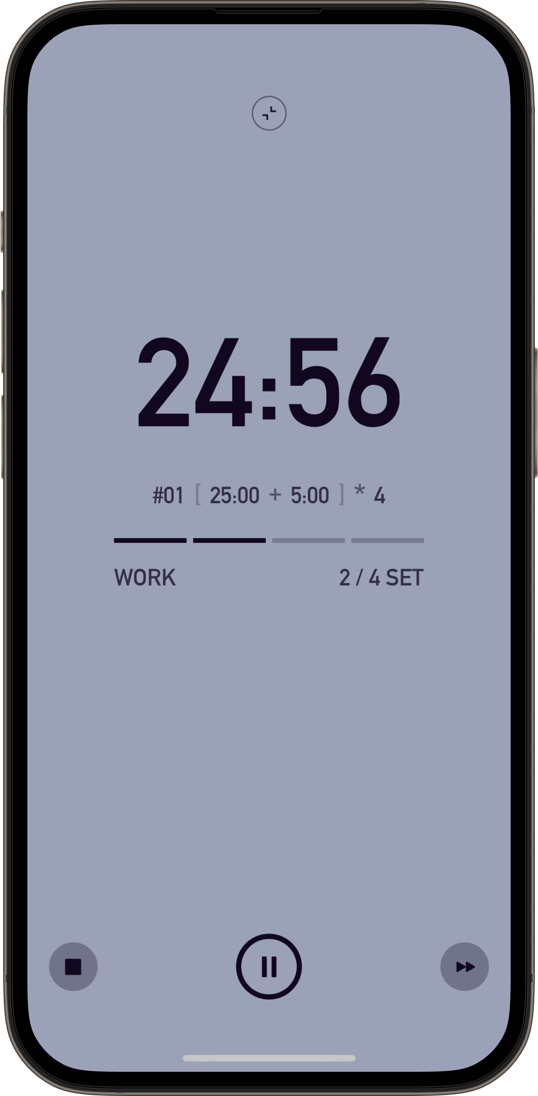
Boost your study and work efficiency with a full-screen Pomodoro timer that repeats work and break intervals for the durations you set.
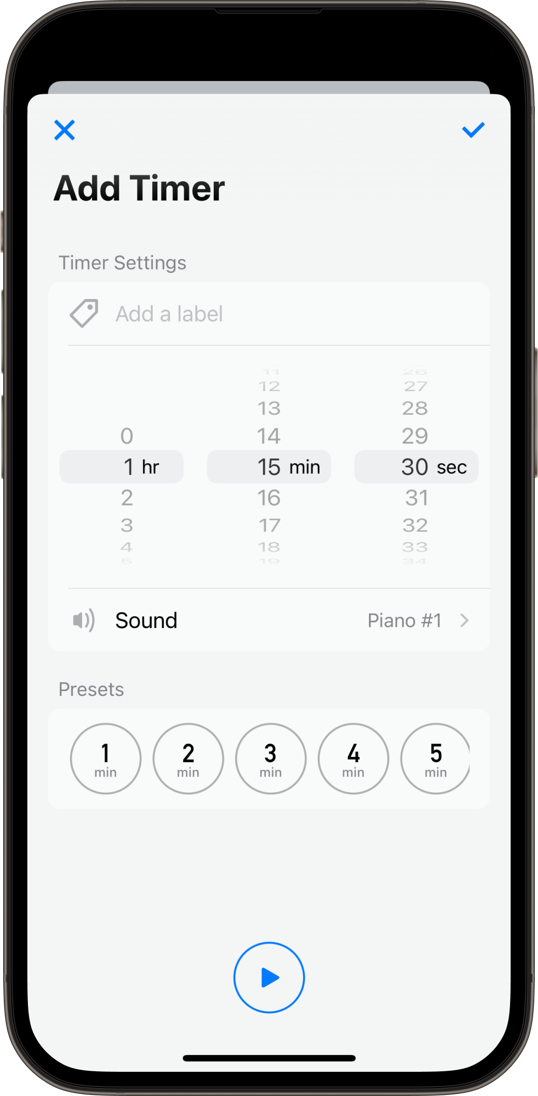
Set hours, minutes, and seconds exactly how you like. Choose from beautiful melodies for your alarm sound. Add a title to keep track of what each timer is for.
Try every feature free for 7 days after installing. Explore themes, sounds, and advanced timer features freely.

You can run up to 10 timers at the same time.Free: up to 2

You can set up to 4 quick timers.Free: 1

Use timers that repeat work and break periods for the durations you set.Free: Not available

Choose your favorite theme from 30 options.Free: Default only

Choose your favorite App Icon with support for dark mode and clear colors.Free: Default only

Choose your favorite sound, from notification tones to elegant melodies.Free: Default only